
Home / Check a declaration
Check a declaration before you submit the parcel
Enter each line as you plan to declare it, with what you actually paid, then the parcel weight and the route type. The check compares the item descriptions and figures you enter. It never suggests a lower number.
Run the check
Type the item as you would declare it, the quantity, the price you paid for that line and the amount you plan to declare for it. Worksheet amounts are in USD; if your receipts are in CNY, follow the required form and destination conversion rules, retaining the original receipt currency.
Nothing you type leaves this page.
How to use this tool, line by line
- Enter one clear item type per line and the number of units. Save the seller option and invoice.
- Use the total goods-paid amount for that entire line, not a per-unit amount. Three pairs bought for 41 USD each means a line total of 123 USD.
- Enter the proposed line value in the same worksheet currency. Keep the original currency and follow the actual declaration form and destination conversion rules.
- Enter the packed weight, or label an estimate as such in your records. Select the route arrangement for the relevant reminder.
- Compare the result with the actual agent form. Resolve differences; the worksheet cannot determine the legally required value, tax or admissibility.
Inputs stay in this browser page. Changing a field, adding or removing a line clears the previous result. Zero-price or gifted goods require valuation guidance beyond this purchase worksheet.
What each finding means
Each paid-versus-proposed line difference is shown, even if the grand totals happen to agree. A difference can reflect valuation adjustments or currency conversion; reconcile it with the required rules and records. A matching number proves only that your inputs agree.
| Prompt | Meaning and limit |
|---|---|
| Value difference | The entered line totals differ to the cent. Check the receipt, conversion and required valuation. |
| Description | A generic name such as goods may not identify the actual item. |
| Quantity review | Five units is an editorial review prompt, not an official threshold or a commercial classification. |
| Weight review | The operator’s dated 10 kg warning is not a universal legal cutoff. A small-item description with a high weight is a question to check, not an impossible result. |
| Route reminder | Confirm included charges and current form restrictions. No historical IOSS input floor is treated as a target or legal valuation rule. |
What the tool cannot tell you
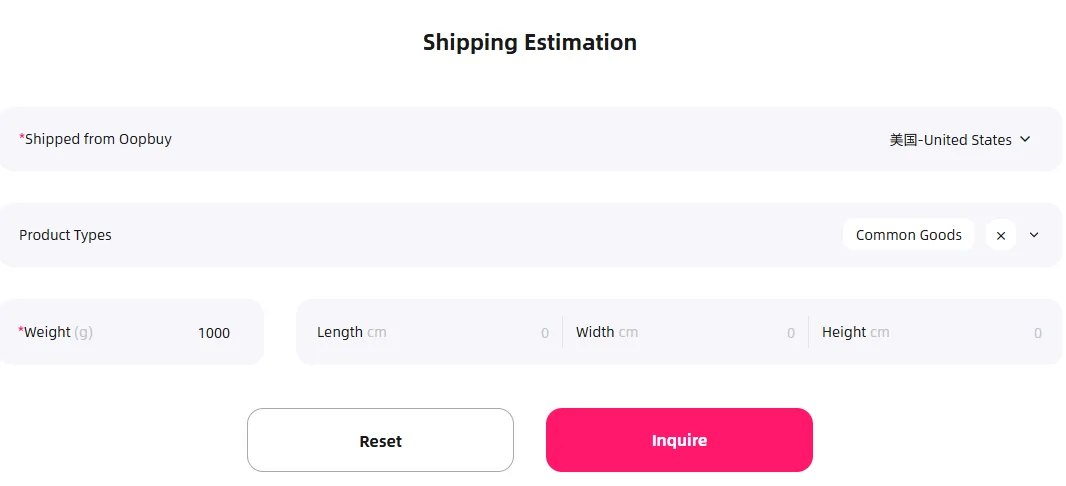
It does not know your country's customs rules, thresholds or tax rates, and it cannot tell you whether an item is allowed on a route. It does not know what Oopbuy's system will pre-fill. And it cannot see the parcel, so a consistent result only means your own numbers agree with each other.
For route rules, use Oopbuy's estimator. For your country's rules, its customs service.
Treat a clean result as the start of the last check, not the end. Look at the pre-filled lines Oopbuy shows you, compare them with the lines you typed here, and only then submit. If the two disagree, Oopbuy's version is what customs will read, so fix it there.
Found a problem with the weight?
Weight, QC photos and rehearsal