
Home / Spreadsheet
Sixteen categories, and how each one reads on a declaration
Every card below opens a category page of product picks. The notes under each name come from the declaration side: what customs sees when that kind of item is listed on a parcel.
Pick a category
Category pages update as new picks are added. The search box on the home page finds a single item by name.
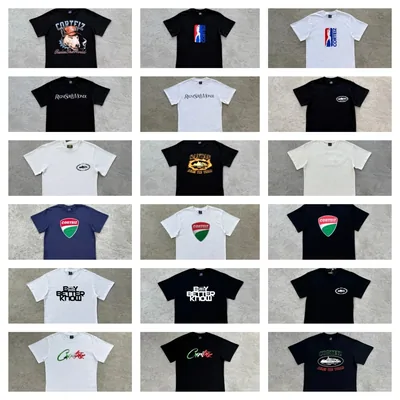
 Printed teesCategoryName the fabric, not just "top"
 Hoodies and crewnecksCategoryConfirm fabric, version and measurements
 Track pants and joggersCategoryCount pairs, not bags
 DenimCategoryHeavier than it looks on the scale
 Coats and shell jacketsCategoryBulk shows in volume weight
 Women’s clothingSearchWrite the garment, not "clothes"
 TrainersCategoryBox weight counts; price per pair
 Bags and backpacksCategoryUnit price varies most here
 BeltsCategoryMetal buckles add weight
 Caps and beaniesCategoryMany identical units stand out
 Sunglasses and framesCategorySmall, so value must be believable
 Football and sports shirtsCategoryRecord the selected design and count
 Rings, chains, earringsCategoryThe ring example lives here
 WatchesCategoryCheck battery rules for the route
 Electronics and gadgetsCategoryCheck batteries and route acceptance
 FragranceCategoryLiquids are restricted: ask first
How to choose an item with the parcel in mind
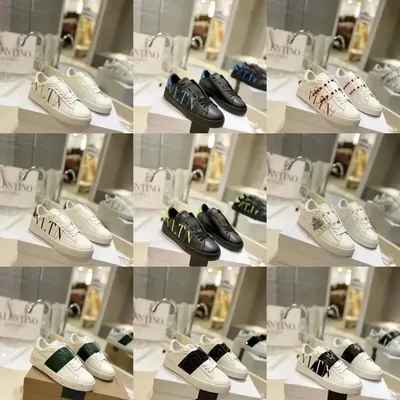
Choosing a product is mostly about the listing: the photos, the size chart, the seller. But a few minutes of parcel thinking at this stage saves trouble at the declaration step later.
Ask three questions before you add to cart. Will this item make the box heavy? Will I end up with several identical units? Does the route I plan to use accept it at all? Trainers with boxes, denim and coats add weight fast. Caps and jerseys are cheap enough that people buy five of one design, which is exactly the sameness Oopbuy warns about.
The declaration habit for each group
This is our reading of Oopbuy's declaration, customs and packaging pages, applied to the categories above. It is a habit list, not a rulebook; your route and destination always come first.
| Group | What the line should say | What to watch |
|---|---|---|
| Tees, hoodies, joggers | Specific garment names; one line per style | Light; little risk unless many identical |
| Denim, coats | Garment and fabric | Weight and volume climb quickly |
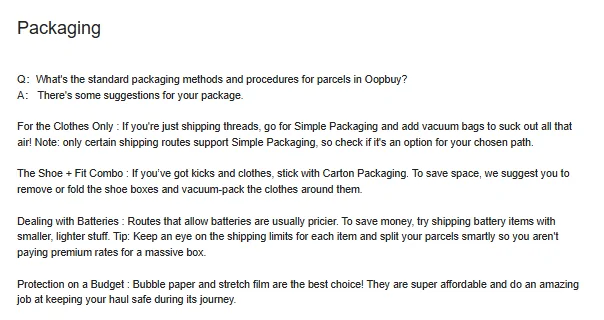
| Trainers | Pairs, with the price you paid per pair | Shoe boxes add weight; see the packaging options |
| Bags, belts | Item type and material | Unit prices vary widely, so the value line gets looked at |
| Caps, jerseys | Count each unit | Many of one design is a commercial signal |
| Jewellery, eyewear | Item type | Tiny items: weight must be plausible for what is named |
| Watches, gadgets | Item type; mention batteries to support | Battery routes are fewer and dearer |
| Fragrance | Ask support before buying | Liquids are restricted for export |
Restricted groups: ask before you buy
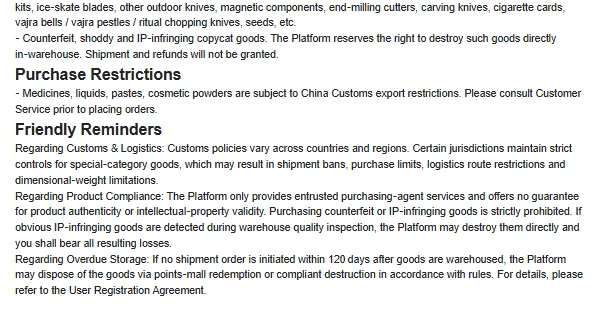
Some categories are not about the declaration at all, because the item may not leave China. Oopbuy's Shopping Guidelines list medicines, liquids, pastes and cosmetic powders as purchase restrictions under China Customs export rules, and tobacco, alcohol, knives, lighters and magnetic parts as prohibited for shipment.
The same page states that counterfeit or IP-infringing goods may be destroyed in the warehouse, with no shipment and no refund. No declaration fixes that, so this catalogue does not frame anything around copies.
Using the search box instead of a category
If you already know the item, the search box on the home page takes a plain name such as “linen shirt” or “trail runners” and returns matching product picks. Results and category pages share the same cards.
Keep a note of what you paid for each item as you go. You will need those numbers, in the currency you paid, when you fill in a self declaration. The womenswear search for women's clothing, for example, mixes dresses and knitwear, so write down the garment, not just the page name.
A habit that pays off later: when you add an item to your Oopbuy cart, copy the price you see and a plain name for the item into a note on your phone. Marketplace titles are long strings of keywords, and three weeks later you will not remember which of four similar hoodies cost 98 yuan and which cost 135. The declaration asks for exactly those two facts, item and price, and the note turns a guessing game into copying.
Where your picks go after checkout
Once bought, items appear in your Oopbuy warehouse with the status Available for Parcel Creation. From there you select them and either run a paid rehearsal or create the parcel directly. The declaration comes a few screens later.
Next on the form: the mode you declare in.
Self or fuzzy declaration